Logo and Branding
Logo and Branding
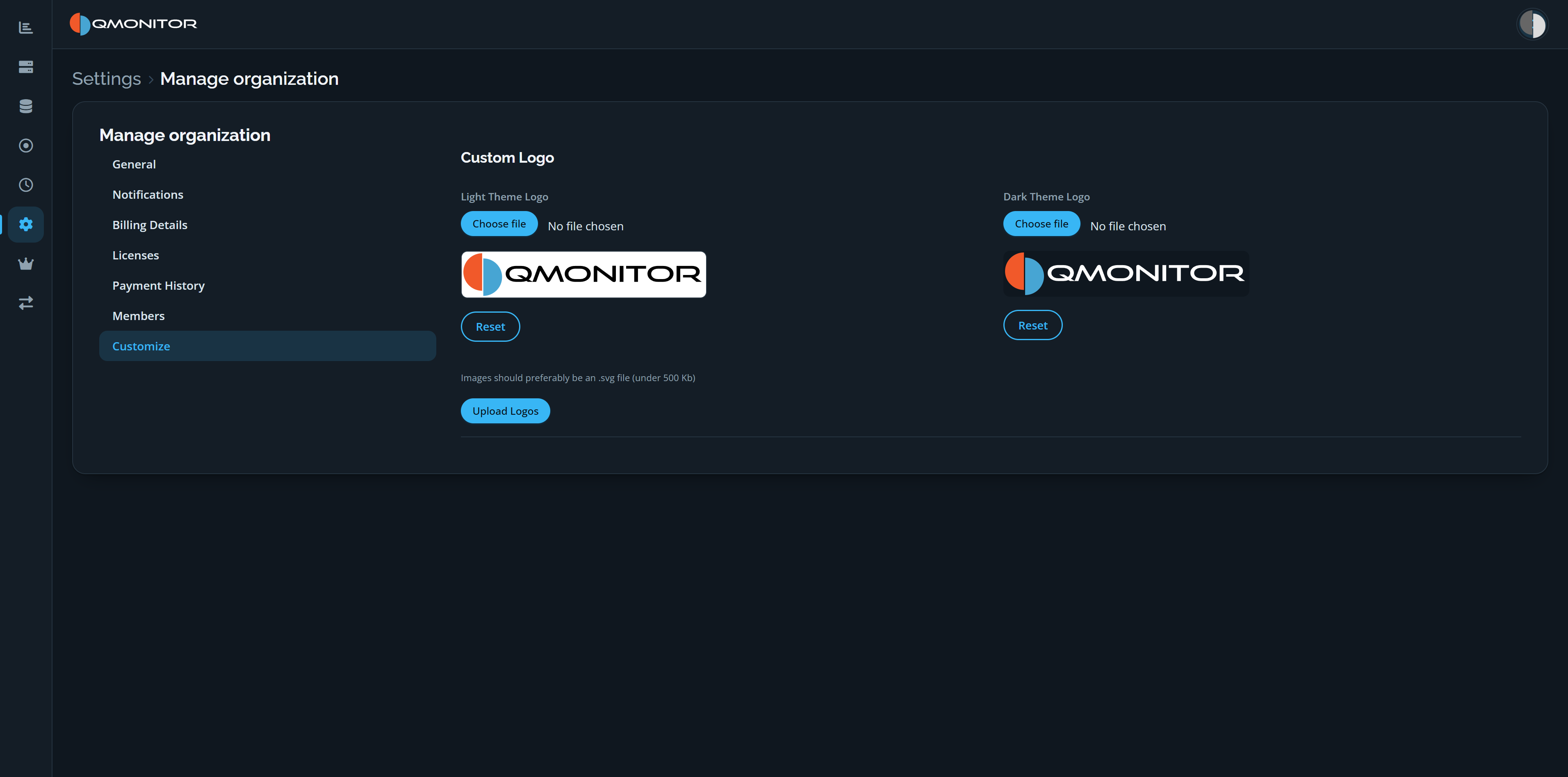 Customize page with separate Light Theme Logo and Dark Theme Logo upload controls
Organization logo
- Current logo: the page displays the organization’s current logo for both themes so you can verify what users see.
- Theme-specific logos: you can upload a separate logo for Light and Dark themes to ensure good contrast and legibility in both modes.
- Choose a file for each theme, then select Upload Logos to apply the selected images. The page recommends using SVG files under 500 KB.
Reset logos
Each theme has its own Reset button. Use it to revert that theme’s logo to the product default; resetting one theme does not reset the other.