General Options
General Options
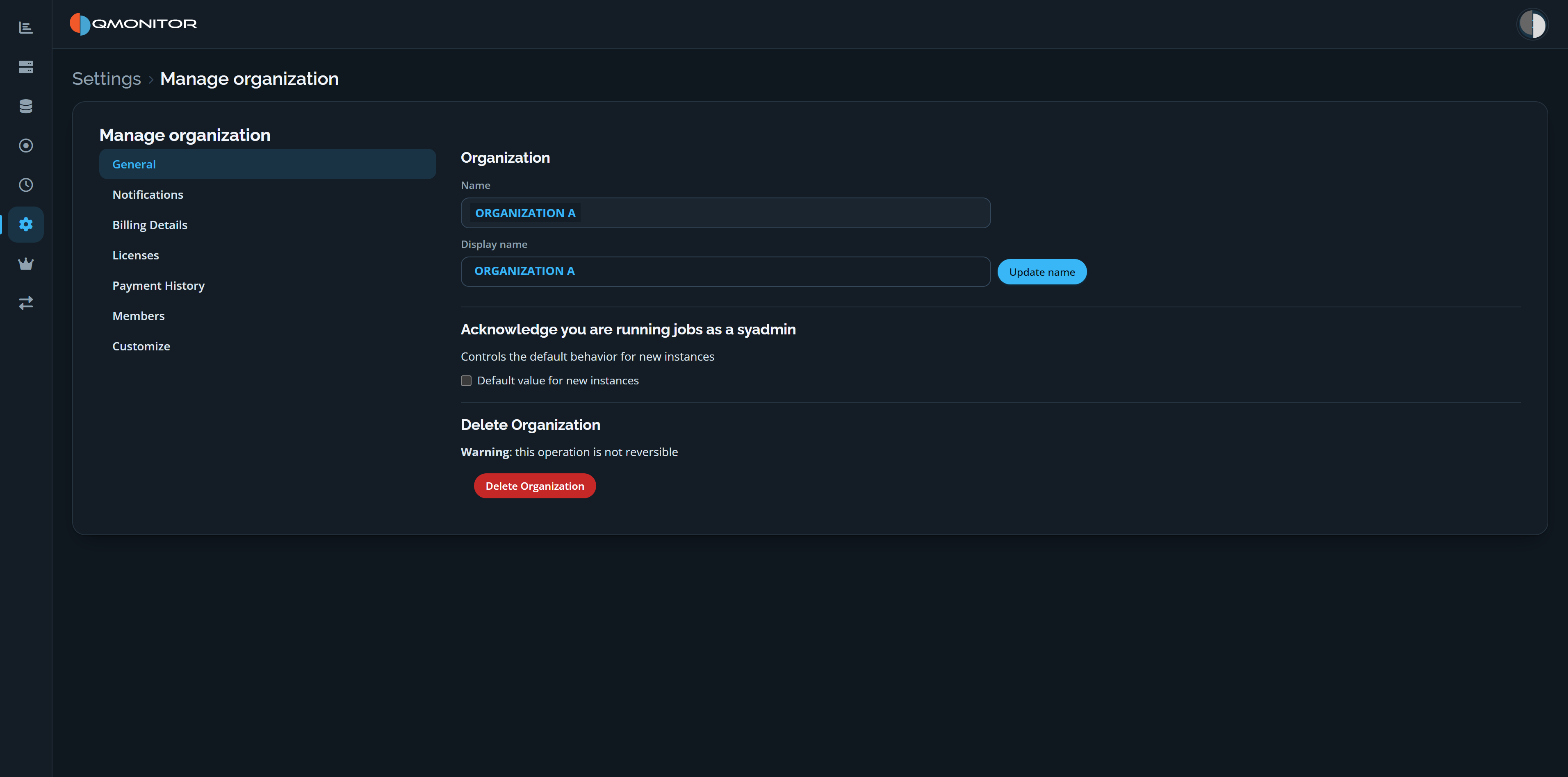 Manage organization page showing the General settings for organization name, default instance behavior, and deletion
Use the menu on the left to switch between General and other organization settings, including Notifications, Billing Details, Licenses, Payment History, Members, and Customize.
Organization name and display name
- Name: a machine-safe identifier used by tooling (ConfigWizard, ConfigWizardCmd, agents). The actual name is sanitized to remove or replace characters that could break scripts or client tools; avoid spaces and punctuation when choosing an organization name.
- Display name: a human-friendly name shown in the UI and reports. Click Update name to save a change to the display name.
Default instance settings
- Acknowledge you are running jobs as a sysadmin: the Default value for new instances checkbox controls whether newly registered instances have the acknowledgement enabled by default. This is only the default; it can be changed per instance later.
Delete Organization
- Delete Organization permanently removes the organization and all organization-scoped data. The page warns that this operation is irreversible; it requires explicit confirmation (type-to-confirm). Only organization owners can perform deletion.