Log In
Enter your credentials to access QMonitor
Follow these steps to log in to QMonitor:
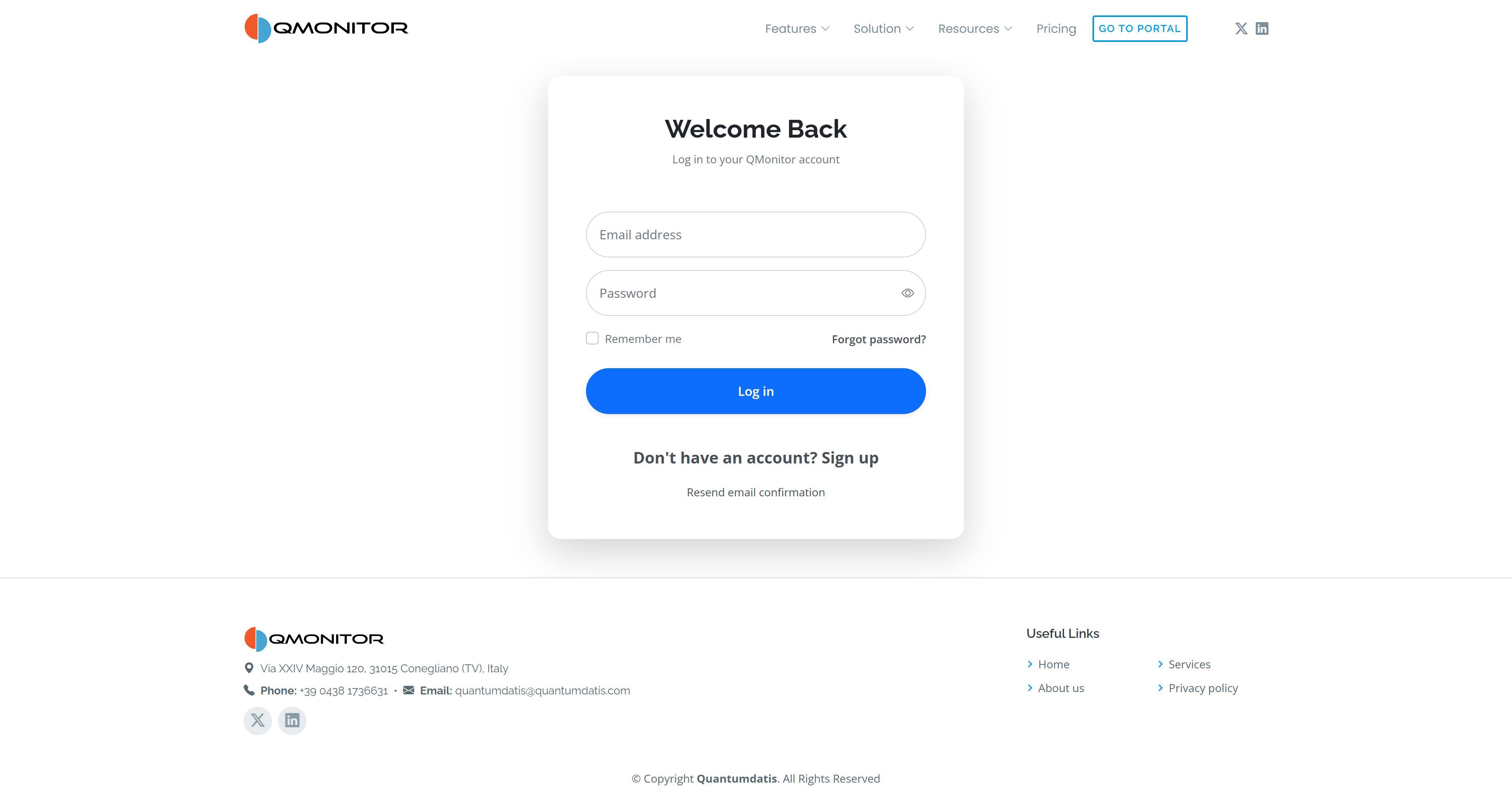 Login form with email and password fields, Remember me, and account links
- Enter your email address and password.
- Optionally check Remember me to stay signed in after closing your browser.
- Select Log in.
Use Sign up if you do not have an account, or Resend email confirmation if you need another verification email.
Two-Factor Authentication (2FA)
If you have enabled 2FA for your account:
- You will see a prompt to enter a code
- Open your authenticator app
- Enter the code shown in the app
You can enable or disable 2FA on the Account page.
Forgot Your Password?
If you forgot your password:
- Click Forgot password? on the login page
- Check your email for a password reset link
- Follow the link to create a new password
We strongly suggest the use of a password manager.